Ditch the slides, tell your story.
One document of scenes with charts, tables, pictures, video and diagrams, presented as a story (or as slides if you must).
Try it free for 7 days $14.99 once · Coming to the Mac App Store and the App StoreScroll it as a story, or click through it as slides.
- Founders
- Product managers
- Researchers
- Teachers
- Marketers
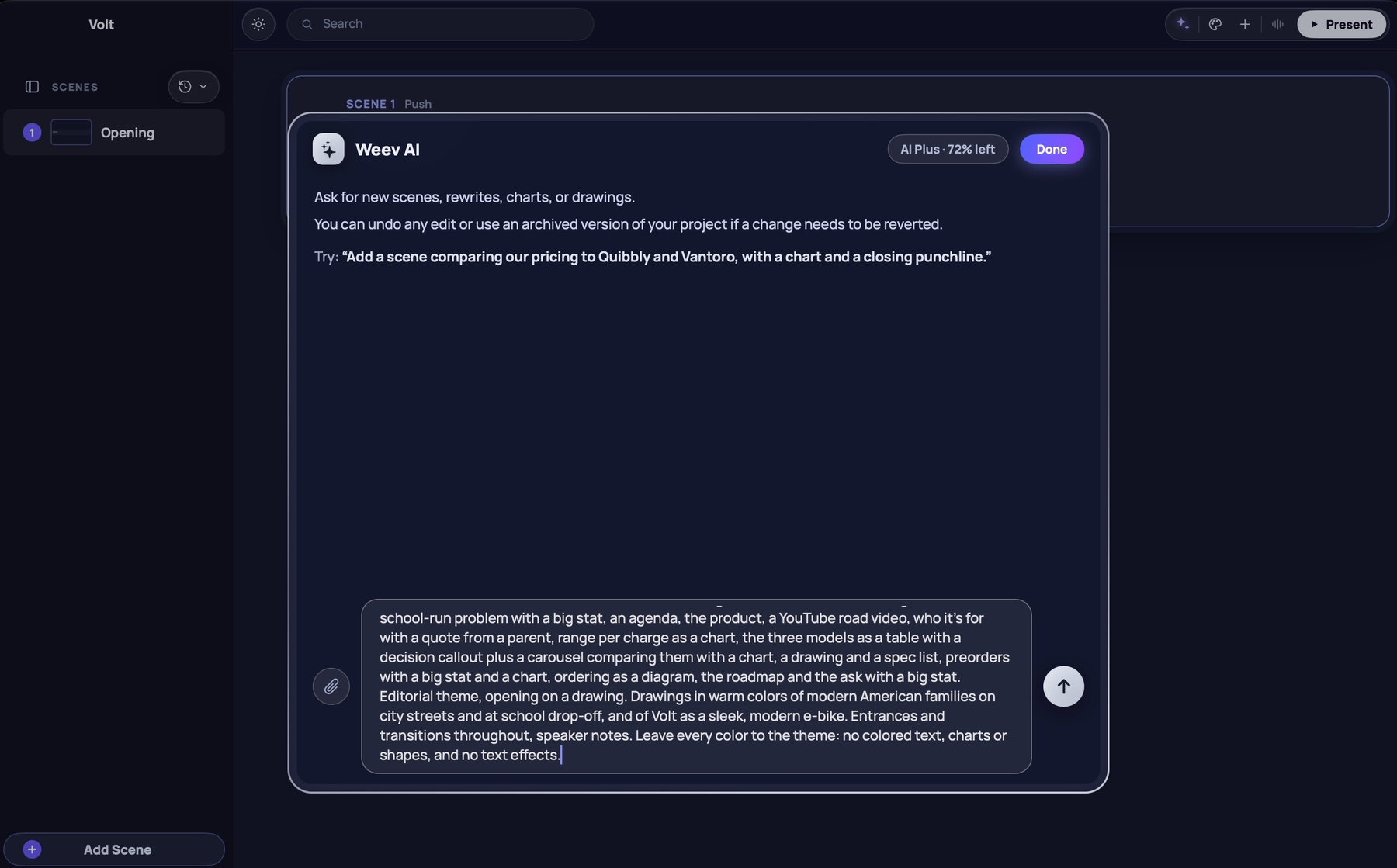
Describe it, and Weev AI builds it
Attach your files or web pages and it drafts the scenes, charts and illustrations with the same tools you use. Every run is one undo step.
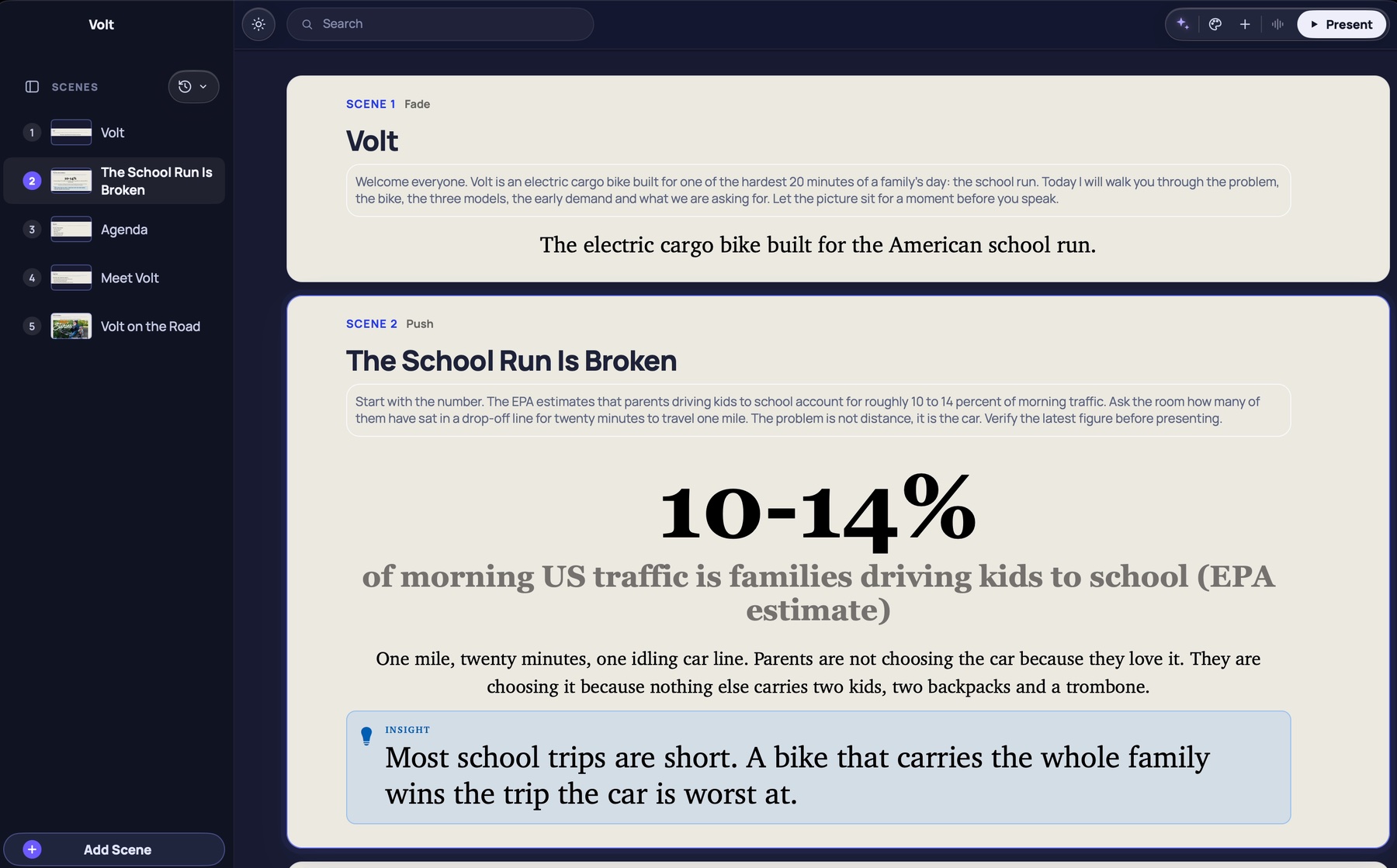
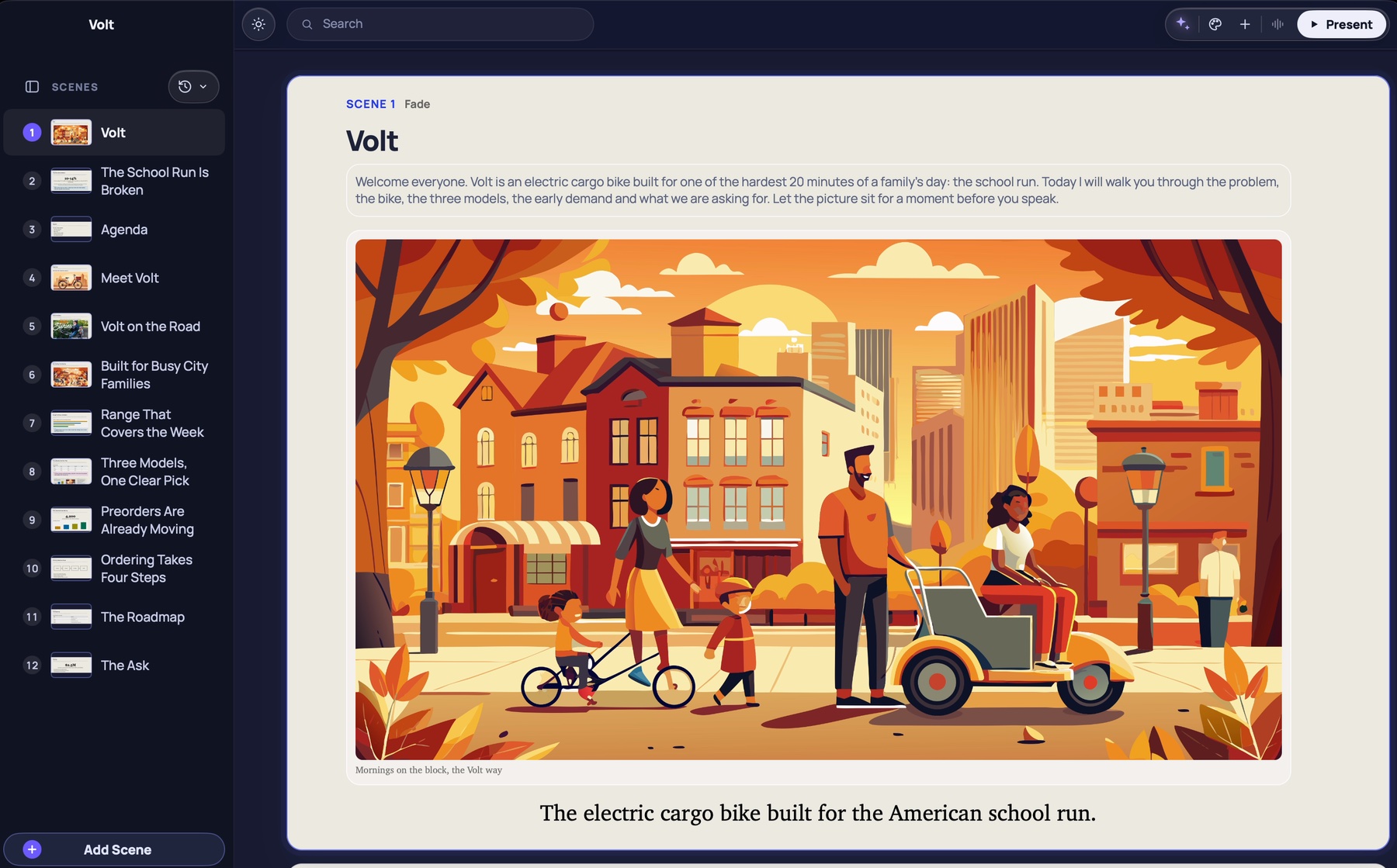
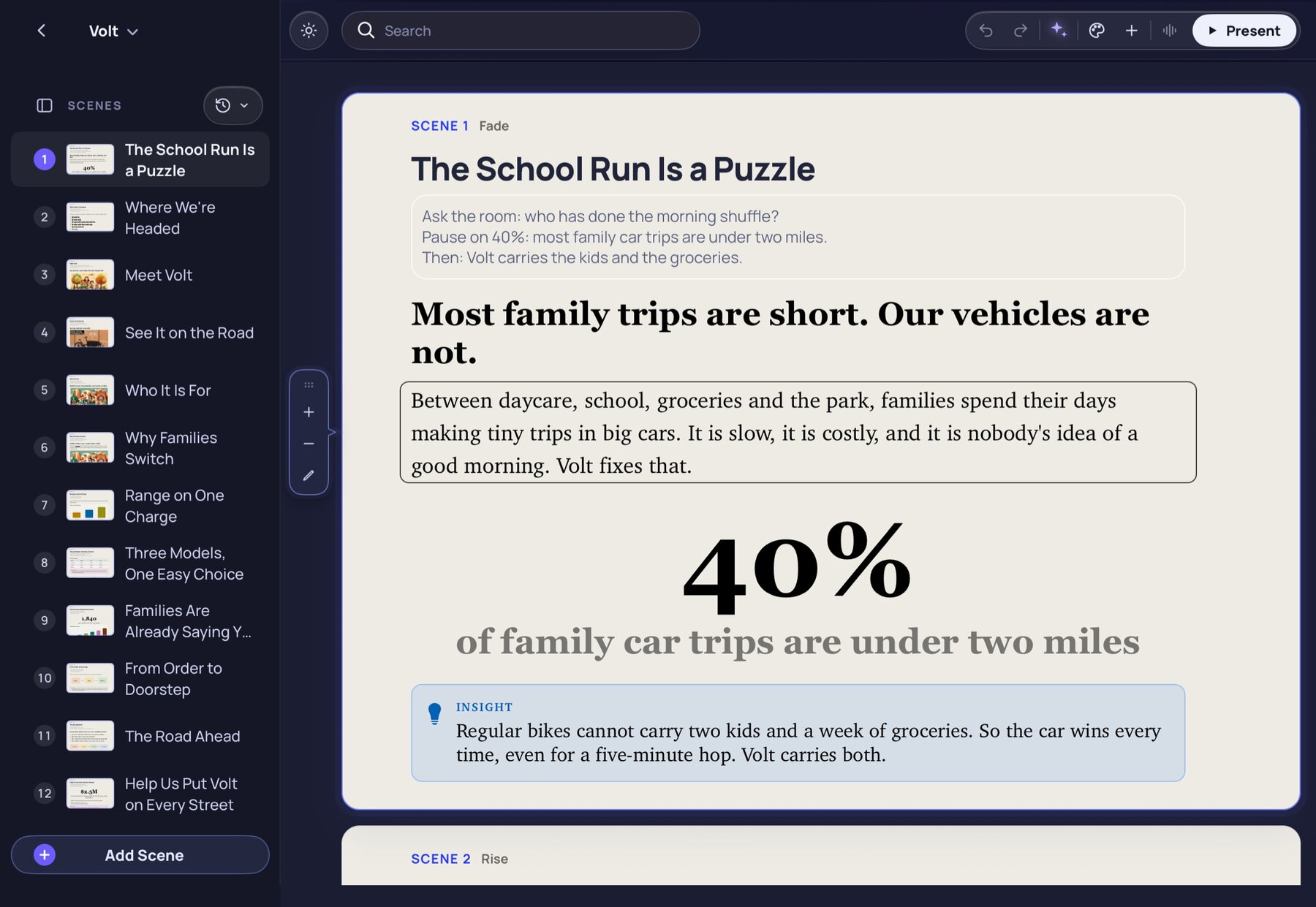
An editor that is the presentation
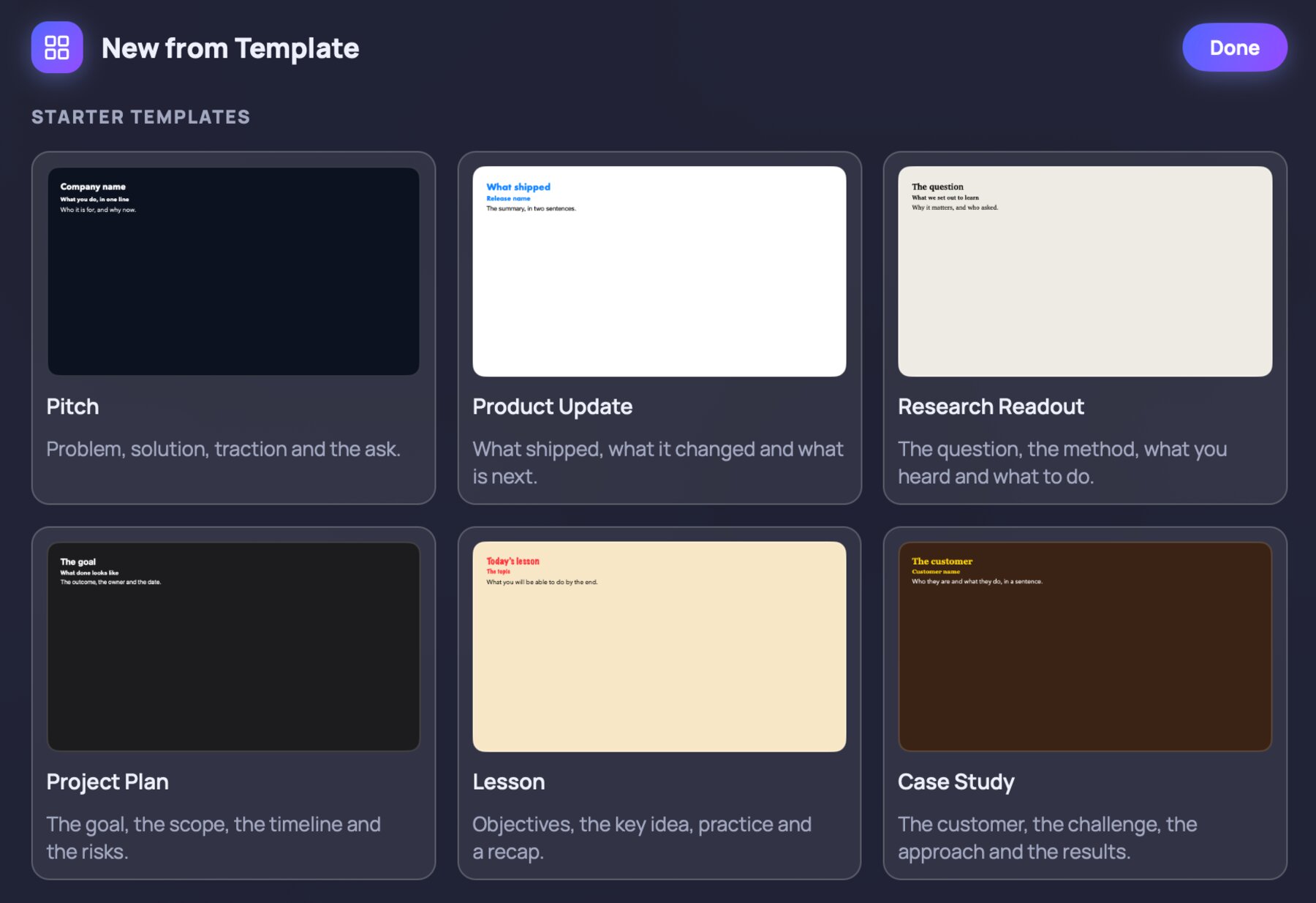
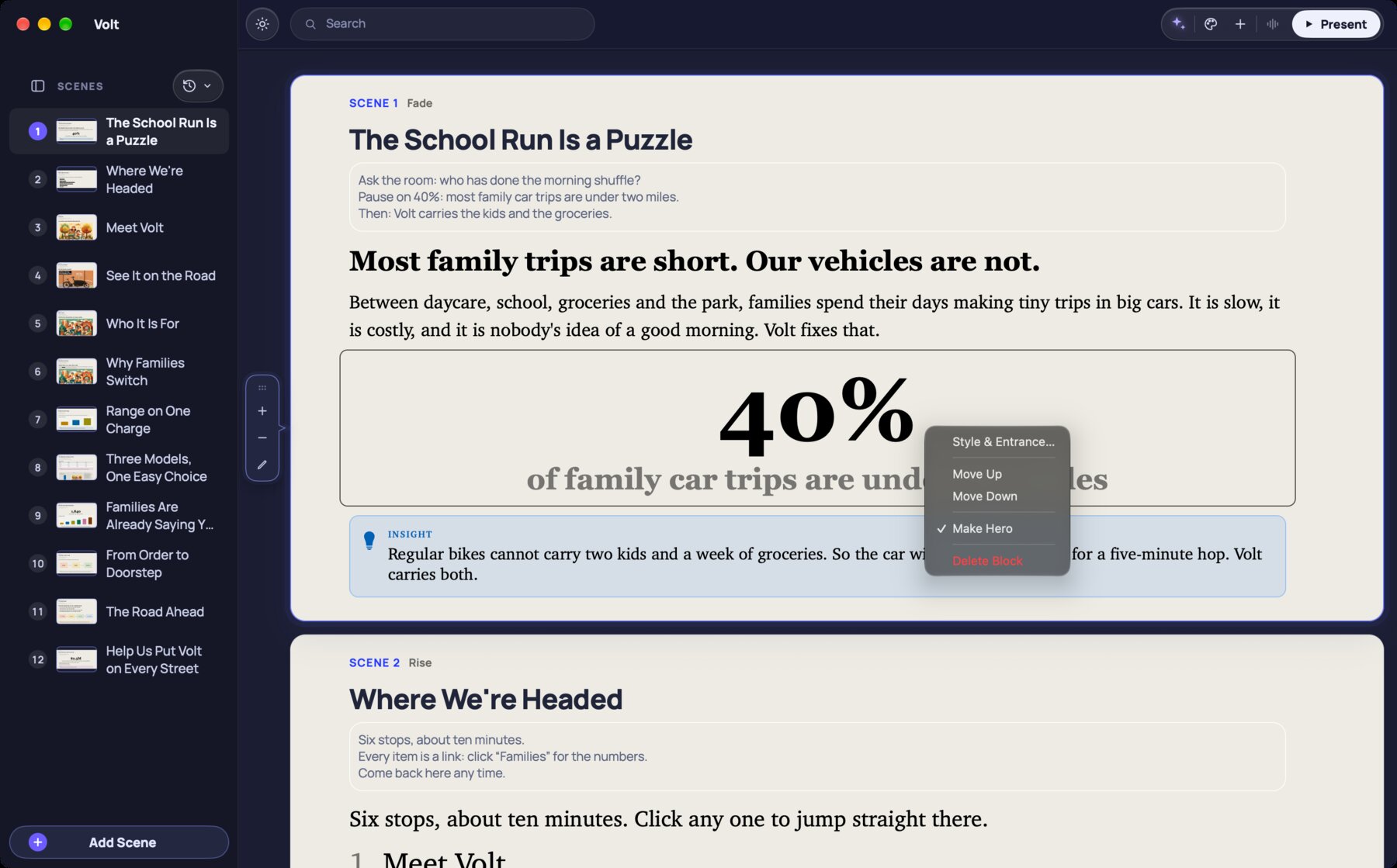
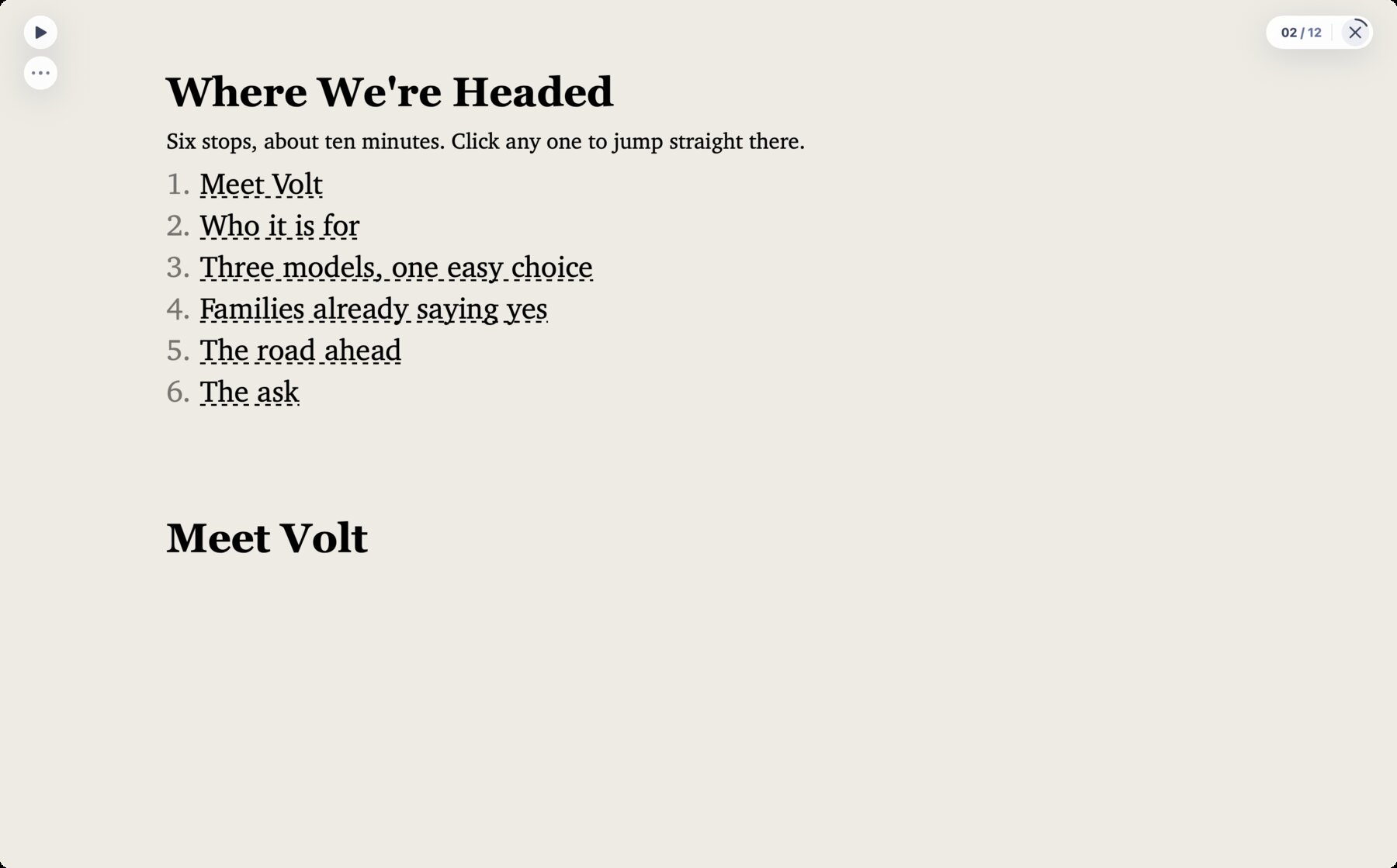
Pick a template or start with a blank scene. Every block is in one picker, and you type right where your audience will read it. Move a block, a scene or a whole section when the story changes in the last hour.
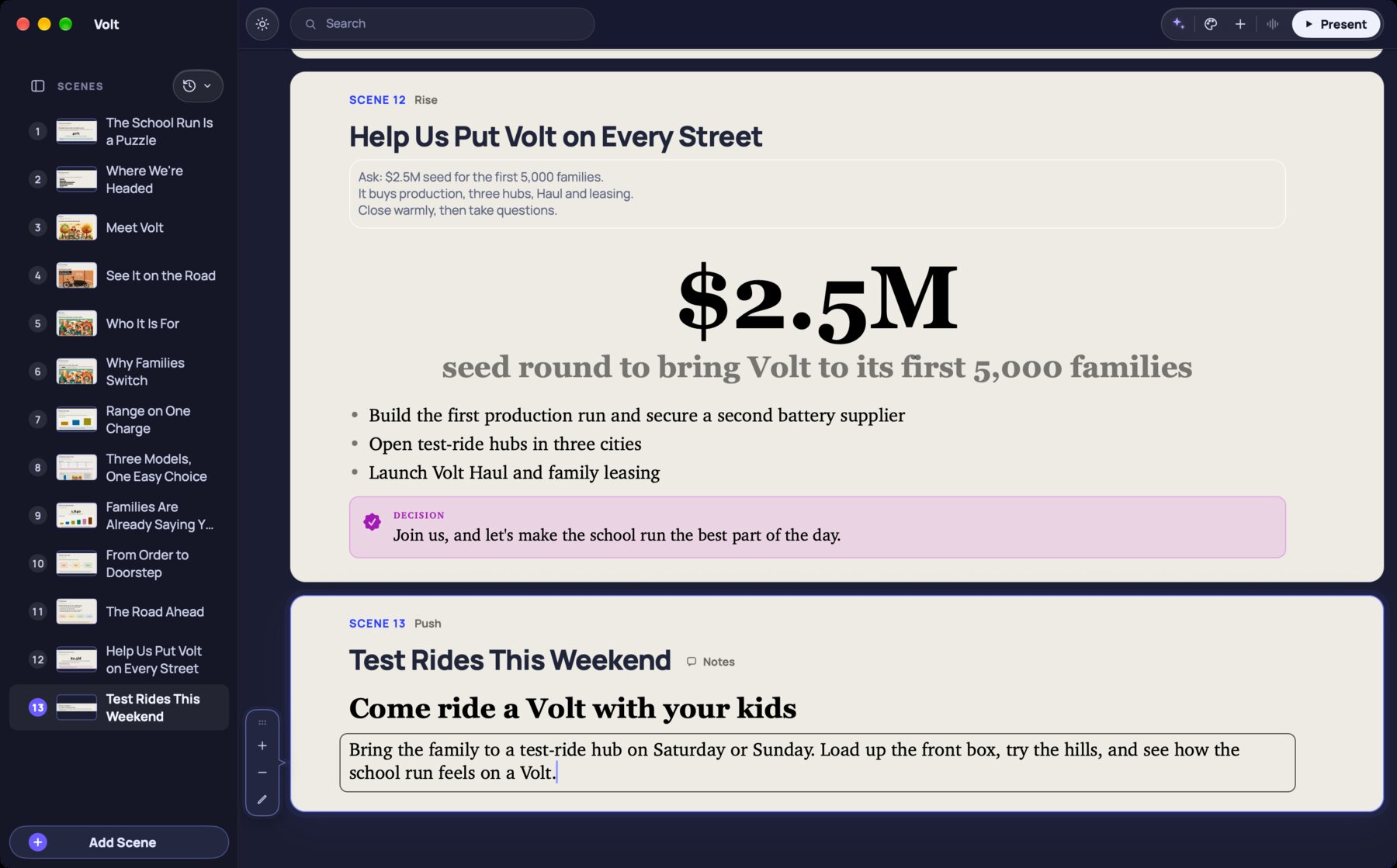

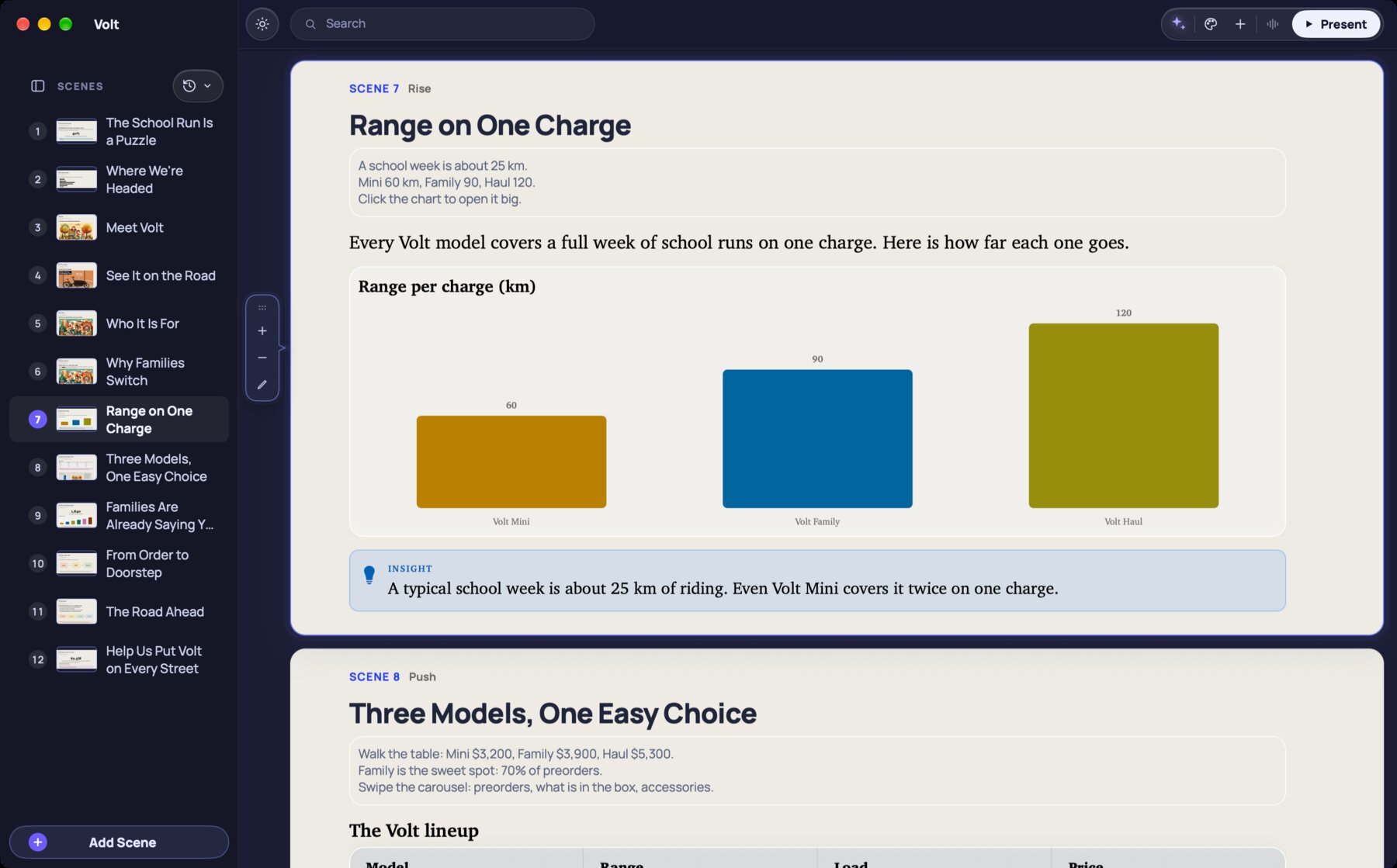
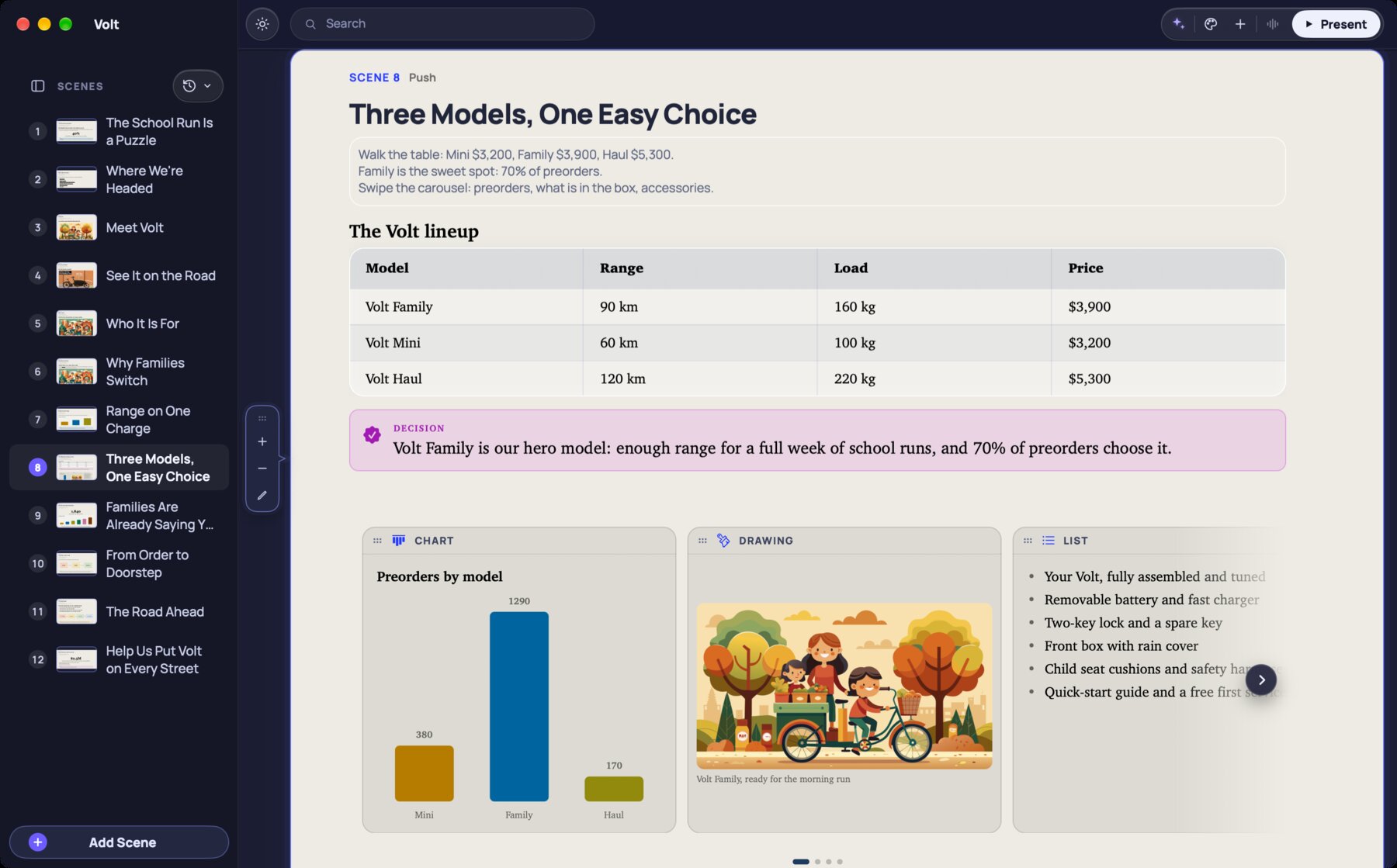
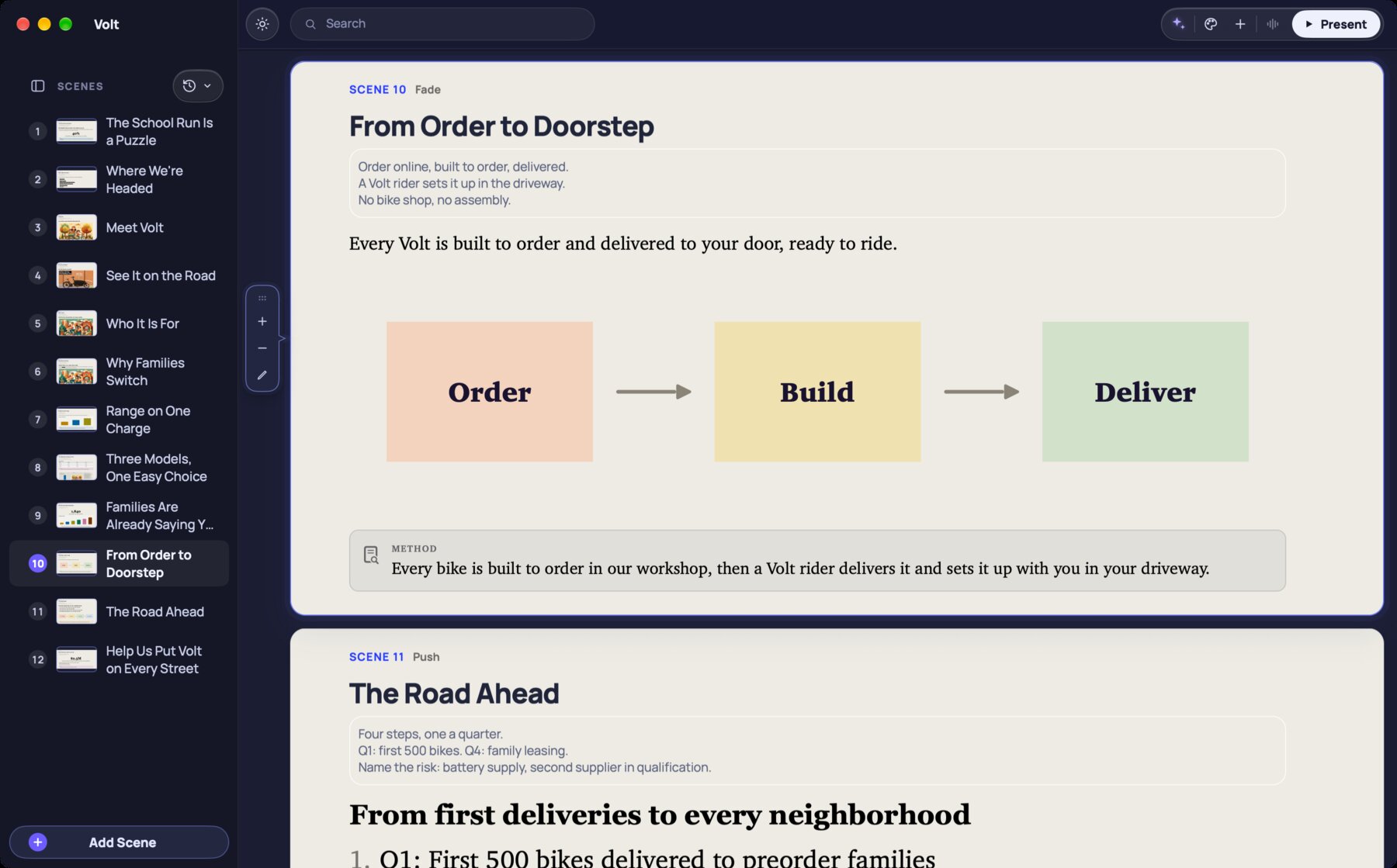
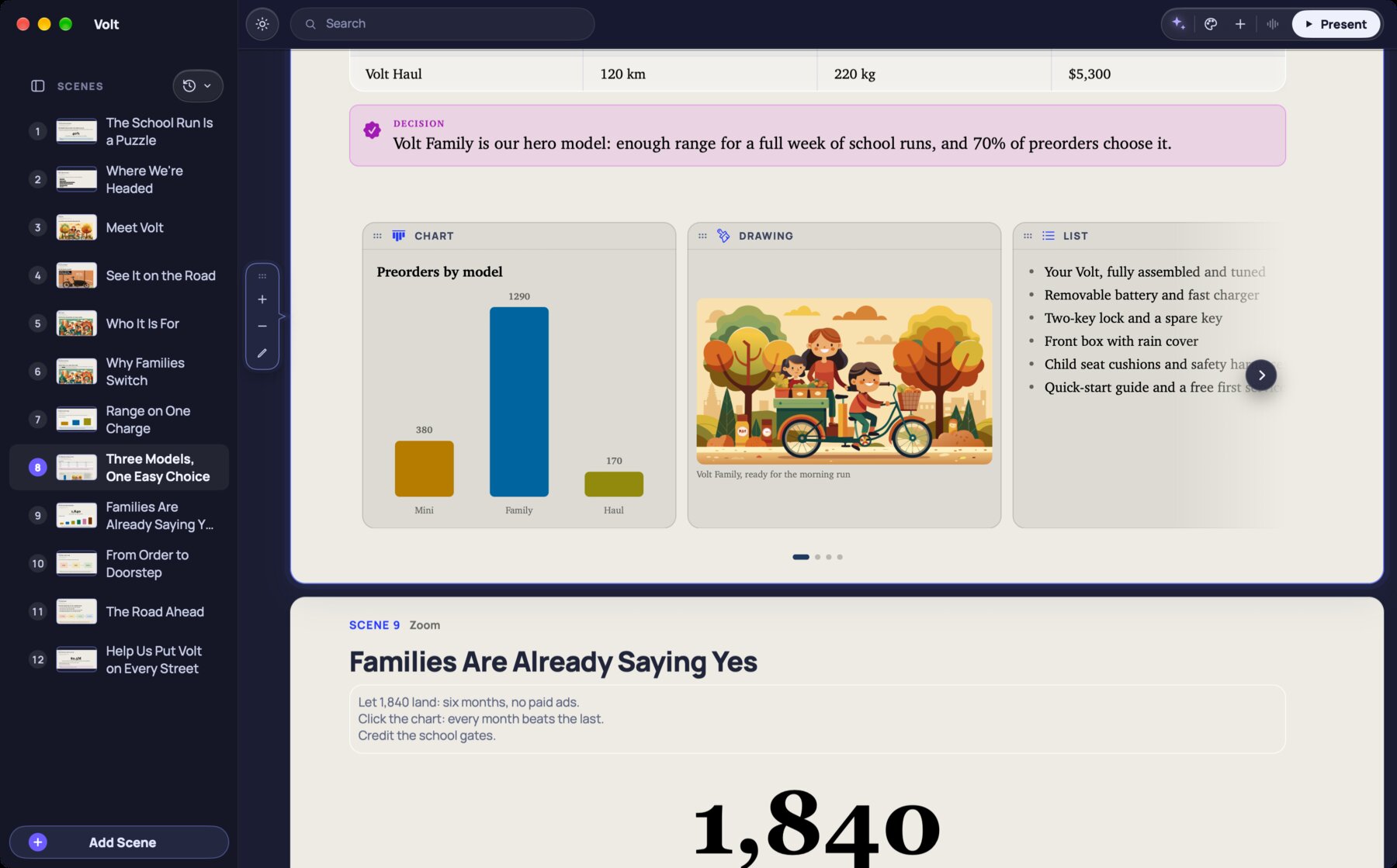
Charts, tables, diagrams and carousels, built in
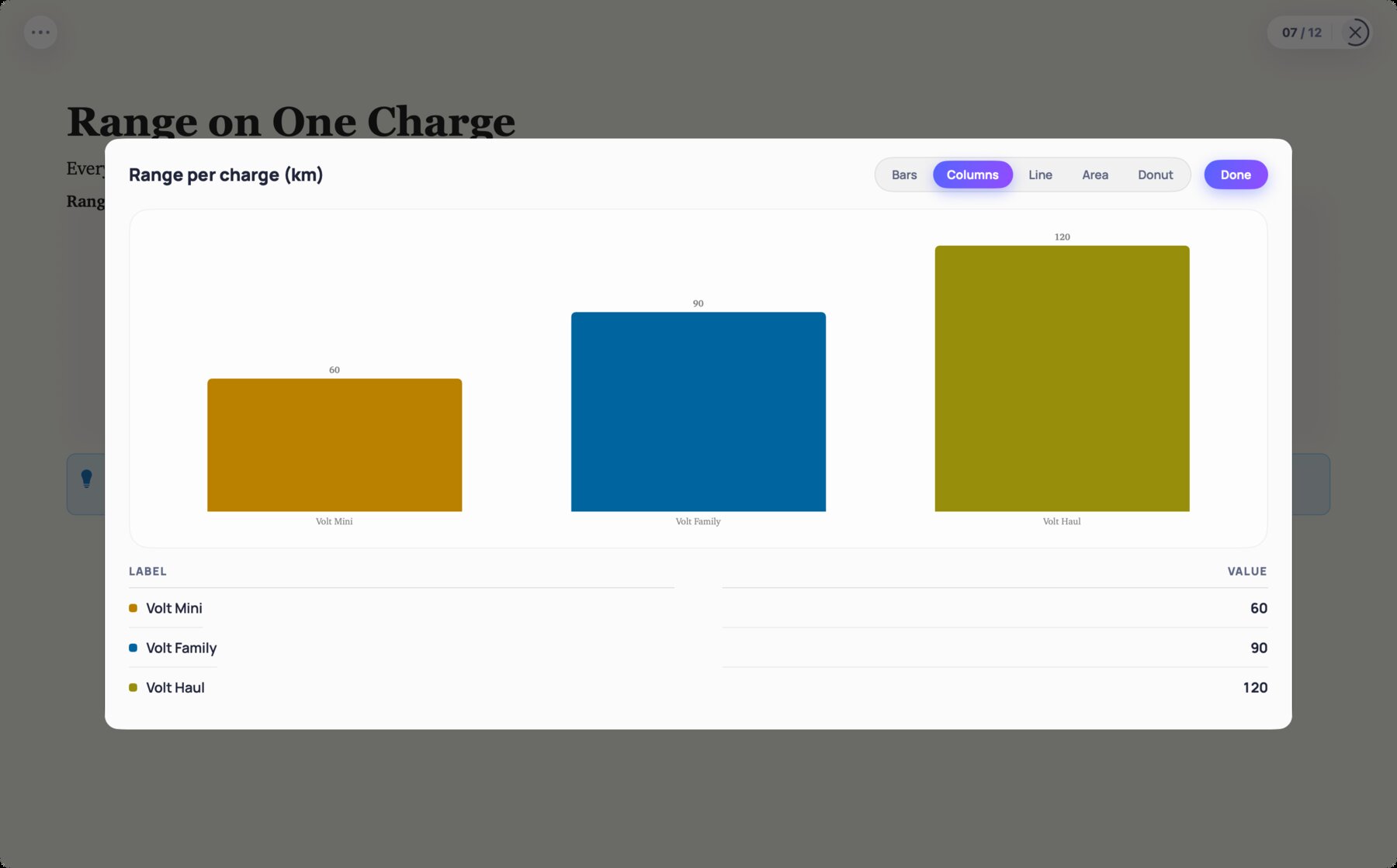
Real charts you type the numbers into, tables that end in a decision, process diagrams, and carousels that hold all the evidence without making the scene long.
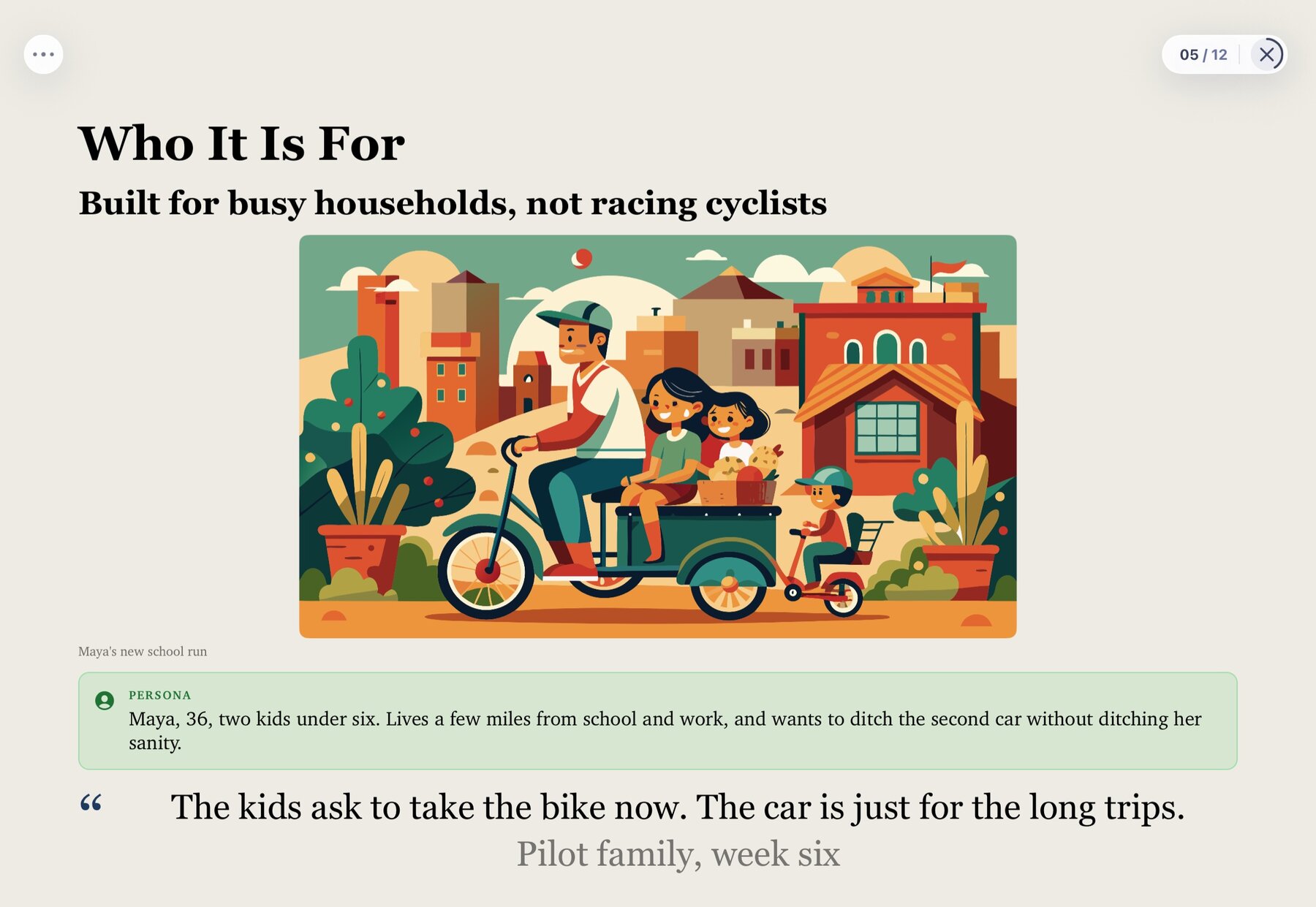
Make it look finished
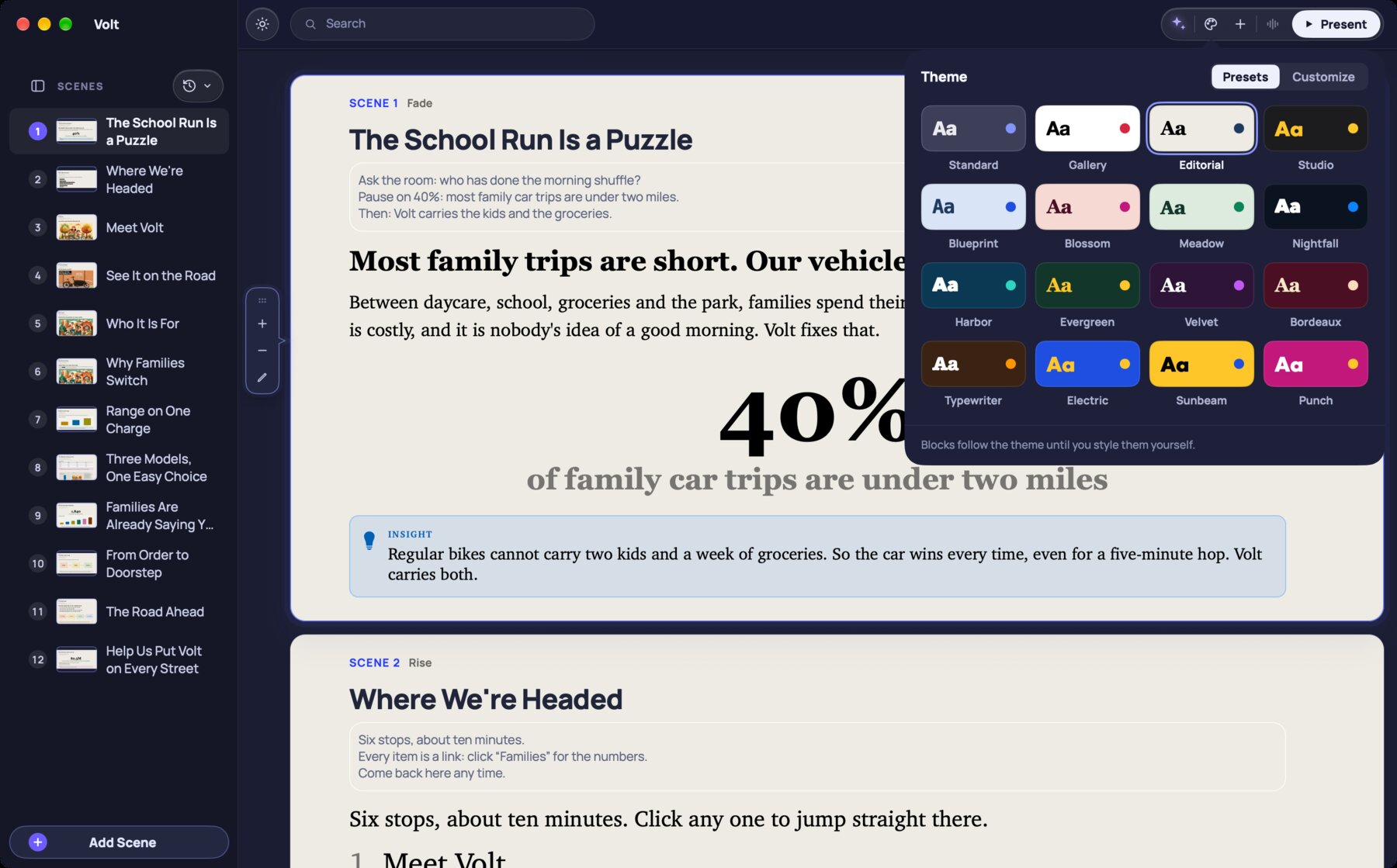
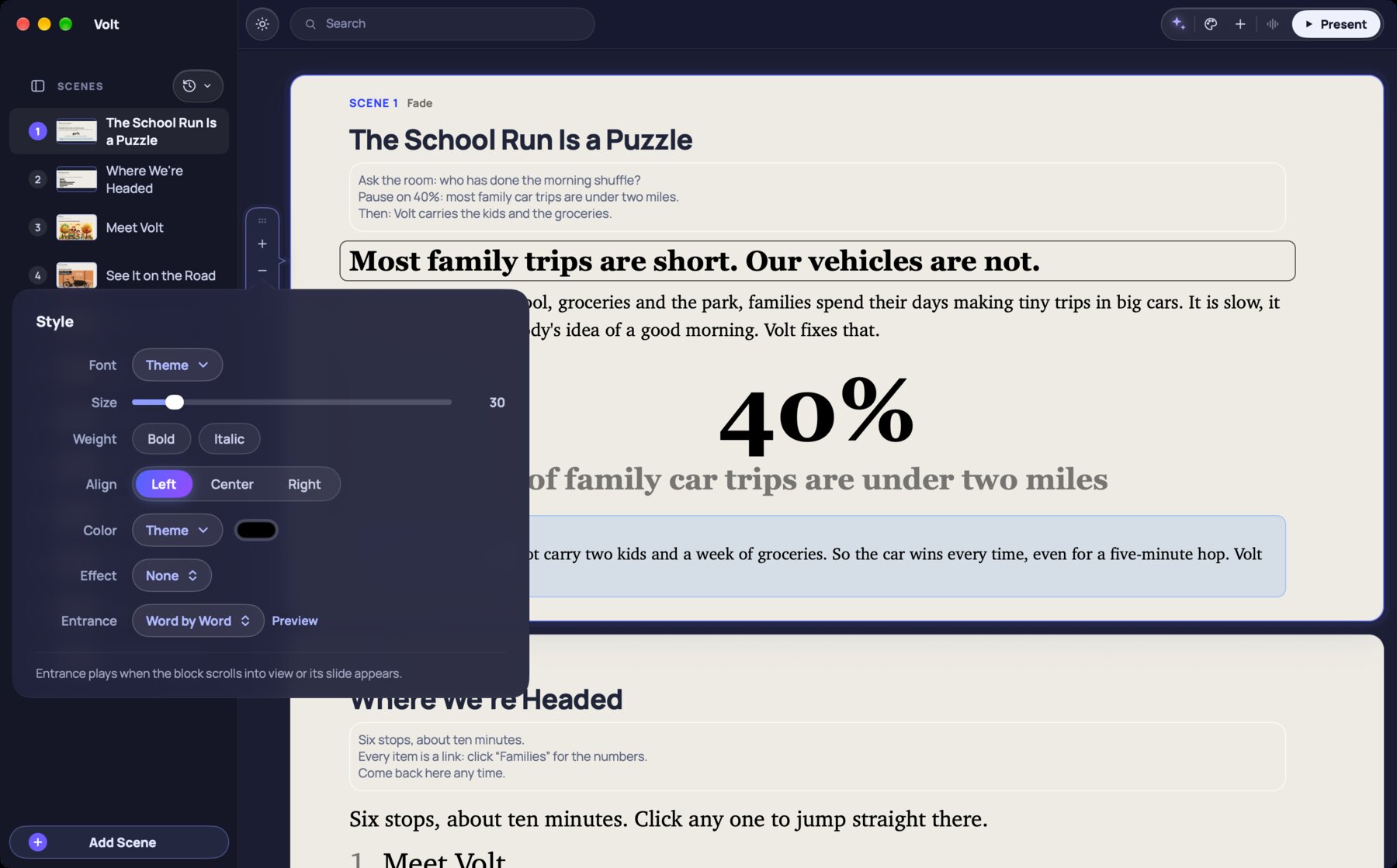
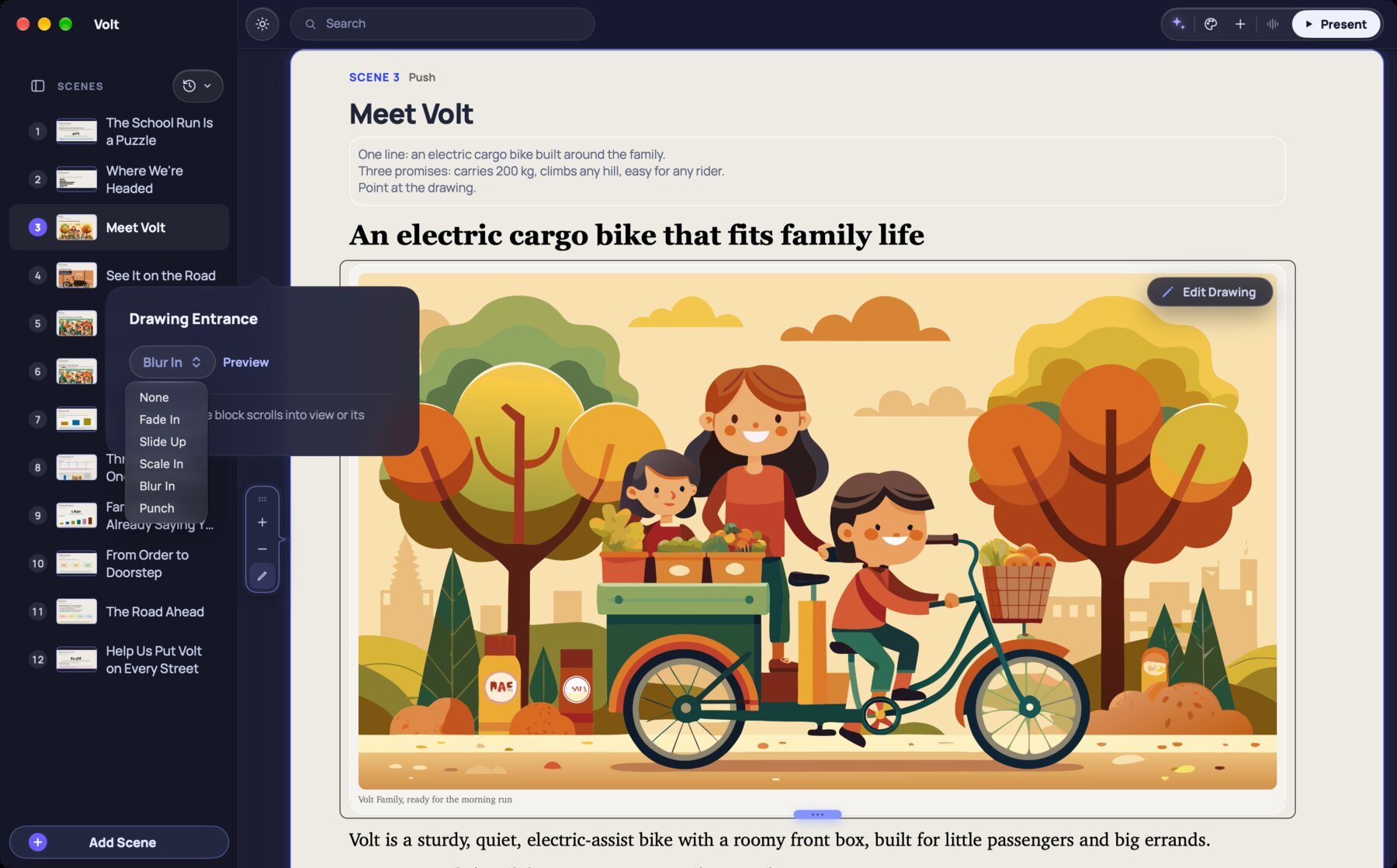
Pick one of sixteen themes and every block follows it. Then style the blocks you want to stand out and give them an entrance. No designer needed, and no slide-by-slide formatting.
Your notes stay with you, and off the shared screen
On the Mac, press N and your speaker notes float over your presentation in a window of their own that screen sharing never shows. Switch between Story and Slides without stopping, and jump anywhere with scene links.
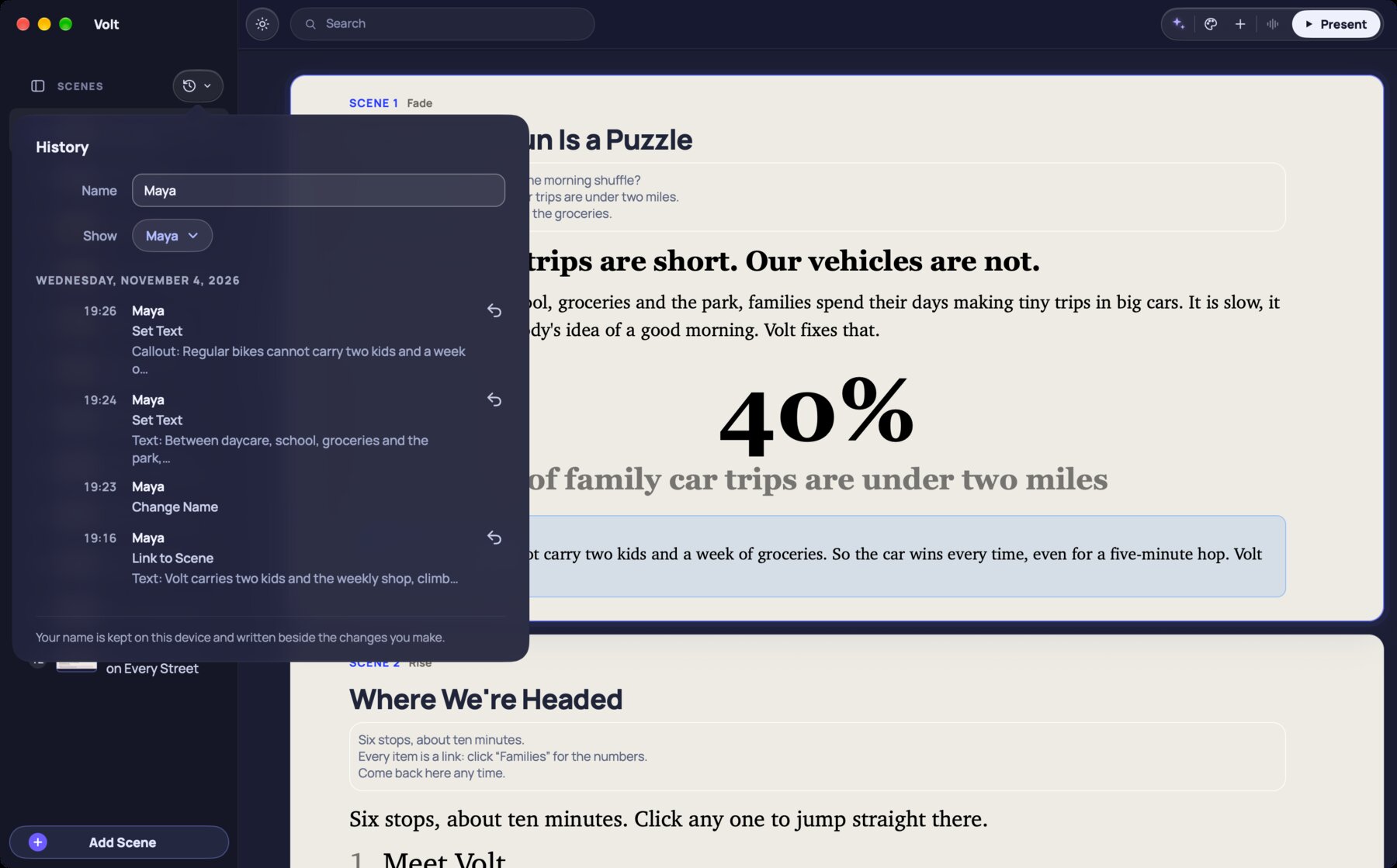
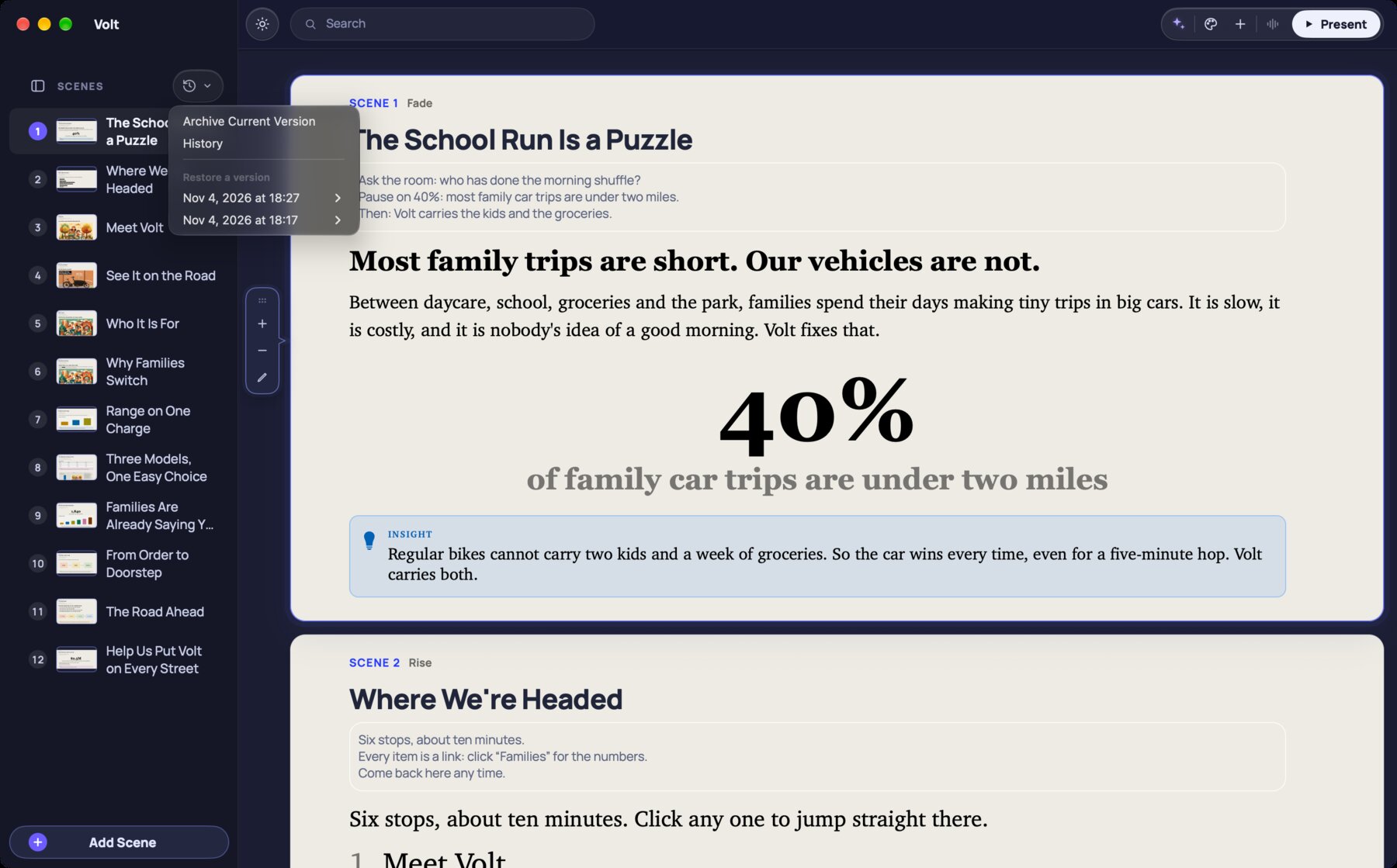
Undo anything, export anything
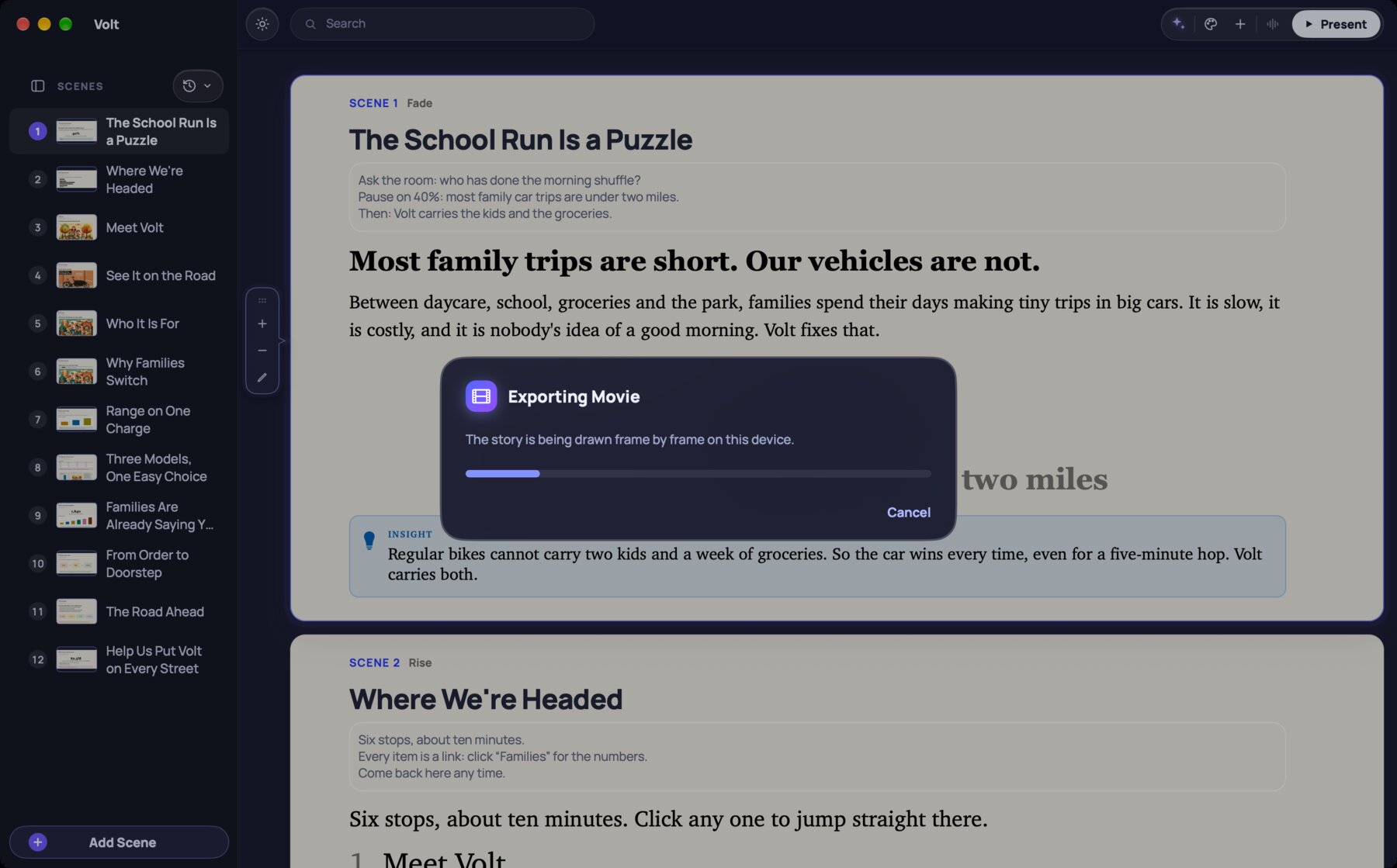
Every change is kept with who made it, and any one of them can be undone on its own while everything since stays. When it is done, send a PDF or a 1080p movie, each scene a chapter.
The Editor and the Presenter on iPad
With your finger or a pointer. Documents in iCloud Drive open on both. Bought separately, at the same price.
And everything else you’d expect
Every block
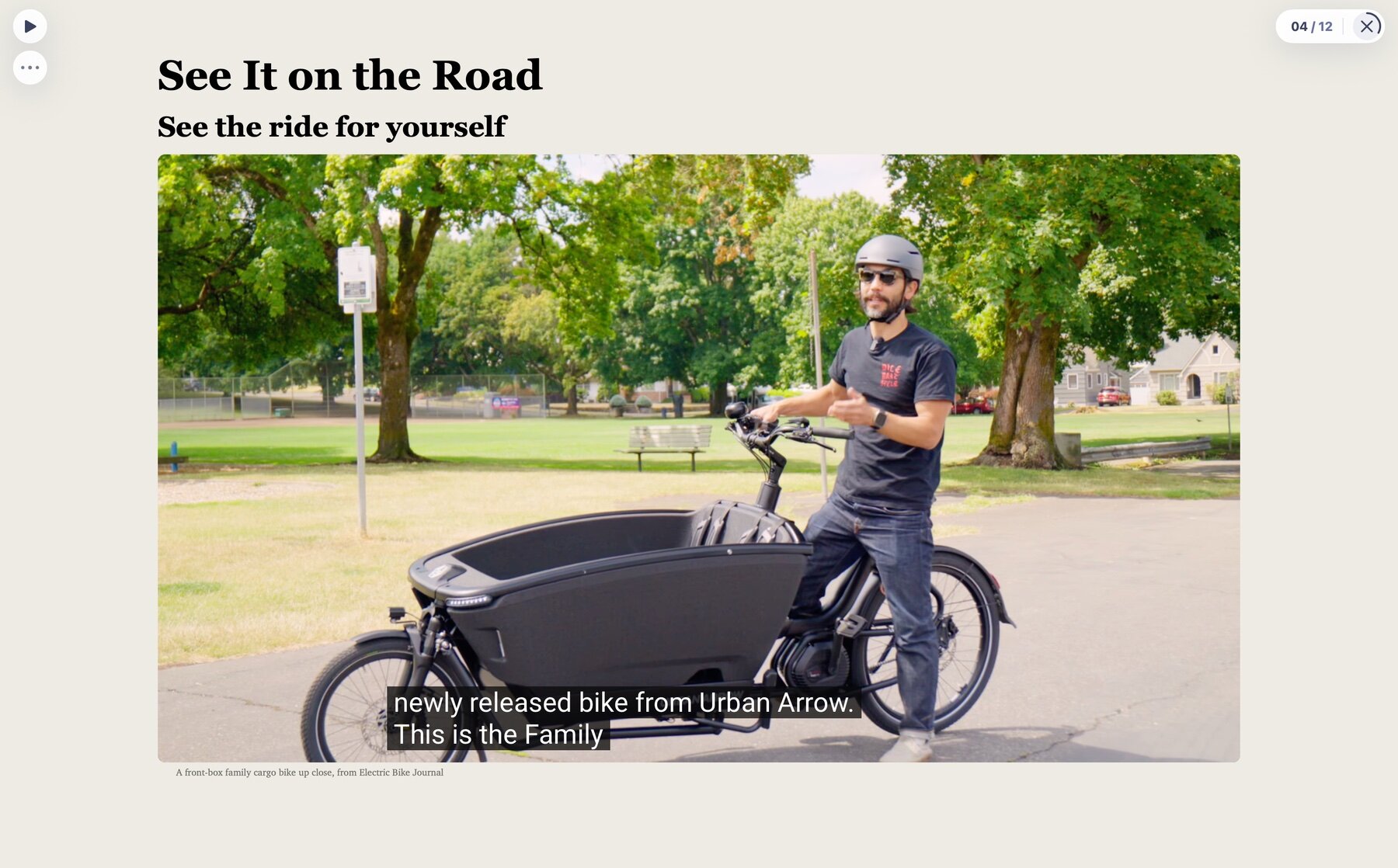
Headings, lists, quotes, big stats, callouts, five kinds of chart, tables, pictures and video.
Your own templates
Sixteen themes, six templates, any font, and templates saved from any document.
PowerPoint import
Every slide becomes a scene, speaker notes included.
Works offline
Editing, presenting and exporting need no connection, during the free trial and after you buy. Weev AI and collaboration need the internet.
Buy the app once. Subscribe if you want more.
Weev is fully usable without a subscription. Documents are files in iCloud Drive, on your Mac and your iPad, never on someone else’s server.
Weev
$14.99once- Story & Slides Mode
- Smart Undo
- Movie & PDF Export
- Rich Blocks
- Entrances & Transitions
- Themes & Templates
Weev AI
from$8.99/month- AI Scene Building
- Web Searches
- AI Illustrations
- Remote Control
- Unlimited Collaboration
- Shortcuts, on Plus and Max
- Audience Follow-Along, on the Web and in Weev, on Max
- Polls and Q&A, on Max
Before you buy
No. Weev is $14.99, bought once, and it is yours to keep. Weev AI is an optional subscription on top, and everything else on this page works without it.
Your documents open read-only until you buy. You can still read them, present them and export them. Nothing is deleted.
On your device, as ordinary files you can see in Finder and Files. Keep them in iCloud Drive and they are on your Mac and your iPad. They are never kept on our servers.
Yes. Editing, presenting and exporting all work without a connection, during the free trial and once Weev is bought. Weev AI and collaboration need the internet.
Weev for Mac and Weev for iPad are bought separately, at the same price. The same documents open on both.
Yes. Import a .pptx and every slide becomes a scene, with its titles, text, lists, pictures, tables, charts, videos and speaker notes. Its colors and fonts are not brought over: it starts in Weev’s Standard theme, ready for one of yours.
Weev keeps no account of its own and never stores your documents. The privacy policy says exactly what is kept and why.